 OpenOv AI
FAQ and troubleshooting
The questions a first evening raises. Most of them have one answer, and the answer is usually
something the instance already said — on the panel, in the terminal, or in
runtime.log in the instance directory.
The Leader is not answering
The Leader starts on the first thing addressed to it, so a panel that shows history and no
reply is usually an instance that is not signed in. ovai configuration reports
whether the instance has a credential, and says plainly that it has not checked it against
Anthropic: finding out costs a request, so the first message is where a dead credential shows
up. Under --auth login, ~/workspace/bin/ovai login opens a browser
once. Under --auth inherit the instance takes CLAUDE_CODE_OAUTH_TOKEN
from the environment it was started in — start the server from a shell that has it. The
seat's own words for what went wrong are on its panel; the server's are in
runtime.log.
The page asks me for a link
A browser gets the page only once it has been signed in, with a one-time link:
ovai start prints one, and ~/workspace/bin/ovai url prints a new one
at any time. A link works once, for ten minutes, and a new one replaces the one before it, so
a link copied out of the scrollback opens nothing. Open it once in each browser and that
browser stays signed in, across restarts and updates. To sign every browser out, delete
page-session in the instance directory.
The port is taken
ovai start says so and names what holds it — the pid, and the command line
when it can read one — and asks you to stop that. A server of this instance already
running is a different message: it is reported with its address and left alone. If the port
is somebody else's for good, install over the instance with --force and another
--port, or 0 for whatever is free; the option you give is written
into openovai.json and everything else is kept.
ovai update refuses
It refuses while the server is running, and while any session of this instance is running
— found on the machine by the Claude Code home it carries. Each one is named with the
kill <pid> line that ends it, and the process's command line after it as a
comment, so a session of yours can be told from a process that merely carried the instance's
home; the line still pastes. ovai stop first parks the room properly —
every Worker and the Leader write their desks — and then the update goes through. It
also refuses to go backwards by name: --downgrade takes an older release anyway,
and --from <url or directory> takes one from somewhere other than GitHub; a
path that does not exist, cannot be read or is not a directory is named, with the reason. A
release that is not signed by a key the instance pins, or whose package does not match its
SHA256SUMS, is refused before anything is replaced. A
--from clone is refused, in one line that says which, when it is not on
main or has anything git status --porcelain lists. On macOS the
sessions are found with ps, as Linux finds them in /proc.
I changed customization/ and nothing happened
Expected, and the same is true of openovai.json and
knowledge/common.md. A persona is rendered when a seat's process starts, from the
files the instance has at that moment, and the server reads its own configuration when it
starts. So an edit reaches every process started after it and none of the ones already
running: the next Worker hired or restarted has it, a subagent started after it has
customization/common.md as it now is, and the Leader has it after its next
restart. To give
it to the seats that are up, ovai restart — which interrupts whatever they
are mid-way through, so it is worth a moment when nobody is deep in something.
A Worker went quiet, restarted, or disappeared
Three different things. Quiet: the Leader is told about a silent Worker at 10 and at
50 minutes; at 55 the server closes it, and it writes its desk and goes. A seat on a turn
— a permission popup waiting included — is never idle. Restarted: its conversation had
grown past the size it wraps up at, so the Leader restarted it with
restart_worker, and it wrote its desk. A successor is already going on from that
desk, in the same panel, with whatever was queued carried over; it announces itself to
nobody, the Leader was told it restarted, and the restart is a row in
runtime.log with the context the session before it was carrying. The Leader
restarts itself the same way, and says "back in a moment". Disappeared: a
Worker whose process has gone is dimmed with its text box closed and removed from the page
thirty seconds later; the desk stays, and the Leader's hire on that name brings
it back on the same desk with its rows. Ask the Leader; it was told each time, and why —
stopped, idle, a spent window, or a first turn the service refused, in the service's own
words. A Worker whose later turn the service refuses keeps running, and the Leader is told
once.
Everything stopped at once
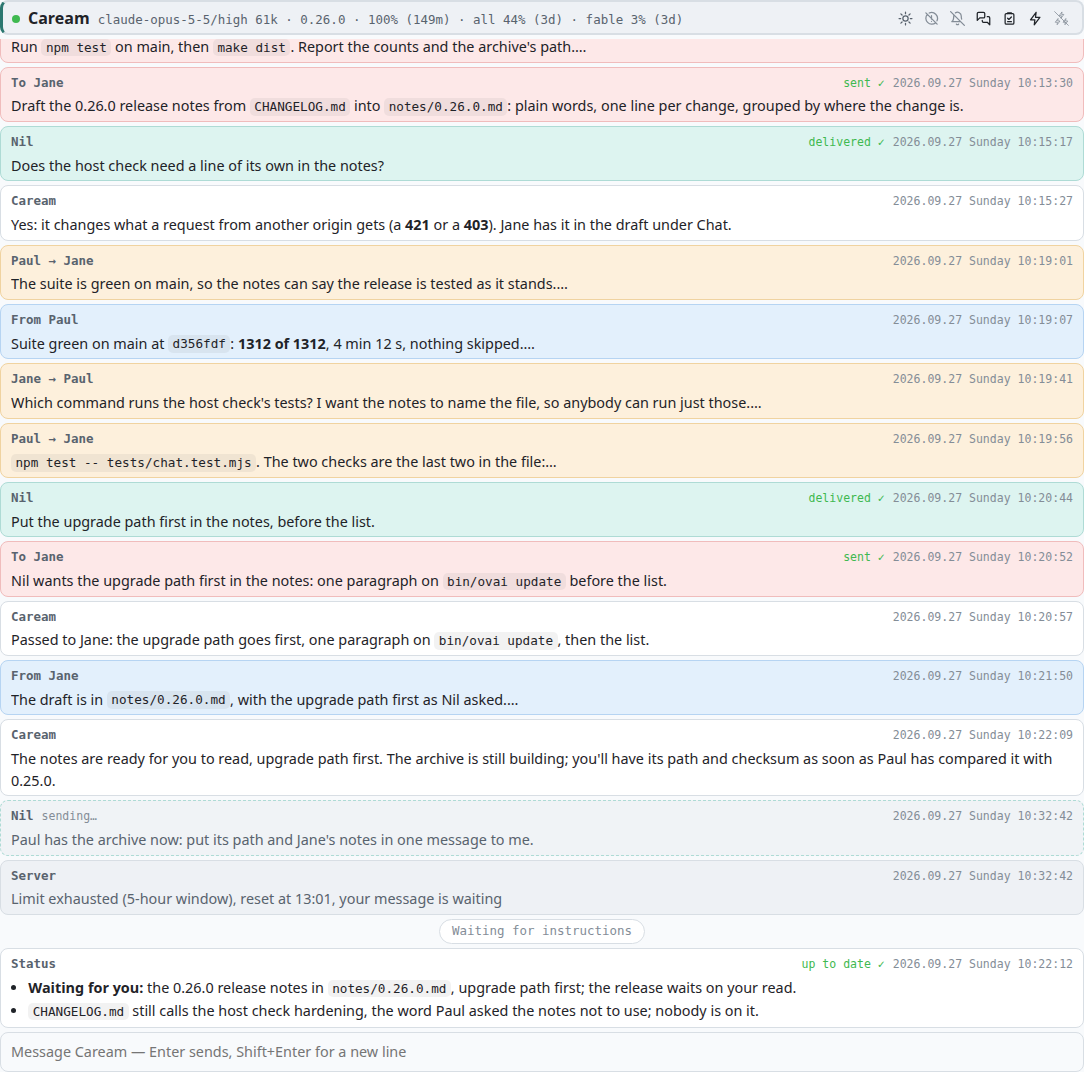
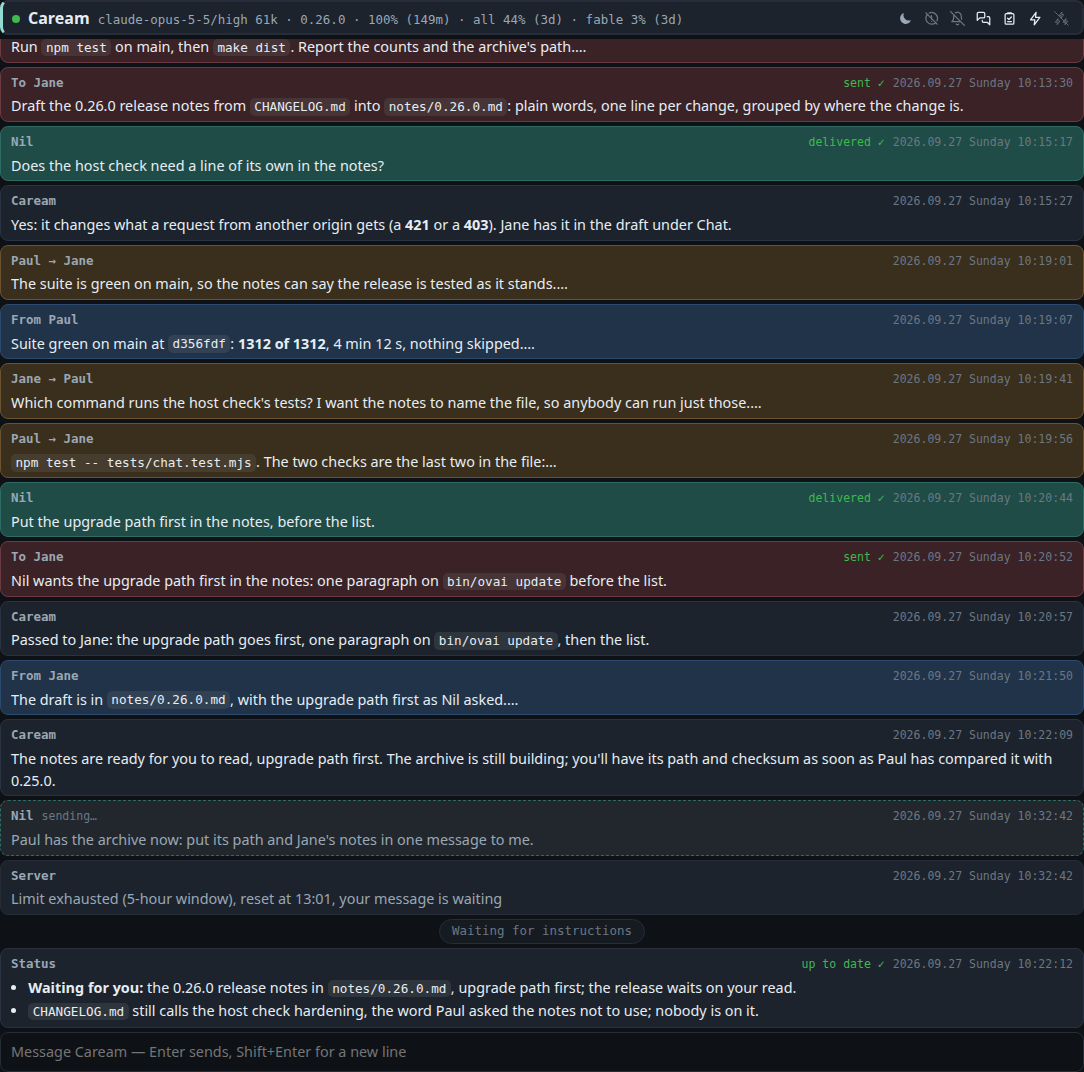
Two causes, told apart by what the panels say. If a panel says which usage window is spent and
when it resets, it is the quota gate at its second stage:
the server holds every turn until the window resets, then releases them, the Leader's first;
nothing is lost, and nothing to do but wait, or talk to the Leader, whose held turns say so.
The Workers on that window were closed as it was spent, each writing its desk, and the Leader
may have stopped some at the first stage; at the reset the Leader is told, started if it was
stopped, and brings them back with hire.
If instead every instance on the machine stopped with the same message, an inherited token
expired: under --auth inherit the token is long-lived but not forever and cannot
refresh itself. Mint a new one with claude setup-token, export it where the
instances are started from, and start them again; one token fixes them all.
A session was waiting on me and I did not see it
A permission popup waits ten minutes, or two when one of the session's subagents made the call, and is
then a Deny: the panel says Waited … seconds for permission, timed out:
…, and the session goes on with what it can do without the call, says what waits
on it, and asks for it again once you are back. When it was a Worker's permission popup, the Leader is
told it timed out. To be told while it still waits, turn the exclamation-mark switch on the
Leader's head on: a permission popup appearing on any panel then reaches you through the browser's
notifications while the page is not visible, and a click on it brings that panel into view.
From another tab, the page's icon carries a ring while any panel is waiting for you. Both are
described under
notifications.
A link to a page, an image or a directory does not open
Those open on the desktop, through xdg-open or open, in the
environment the server was started in. A server started outside the desktop session, through
su for instance, has no display, and the panel says that nothing can open it,
with the opener's exit after it. Every open that fails is an unopened row in
runtime.log, with the path and the reason. Start the server from a terminal of
the desktop session.
Can I run two instances?
Yes; that is what an instance being a directory is for. Two on one machine share the runtimes
under ~/.local/share/openovai/ and nothing else: not the account, not the
transcripts, not the port — each has its own Claude Code home. For two different
accounts install both with --auth login and sign each in; with
--auth inherit they share the one token. Give them different ports, or
0 each.
Where is the conversation?
What you see on a panel is kept in desks/<Name>/conversation.json inside
the instance, one file per seat, so stopping the server does not throw it away; the desk file
beside it is the state the next session starts from. Claude Code's own transcripts are under
.local/ in the instance directory, its config directory for this instance. A retired
Worker's directory is moved whole under archive/, conversation included.
Can it run on macOS?
The installer takes macOS as well as Linux: it fetches the darwin-arm64 or
darwin-x64 Node.js, Claude Code comes from the same npm install, and
where there is no sha256sum the archive is checked with shasum -a
256. On a Mac ovai finds its own processes with ps and the port's holder
with lsof. In an instance with its own sign-in (--auth login) the
usage line in the Leader's head stays empty there, since Claude Code keeps that sign-in in
the Keychain, which ovai does not read; the quota gate still holds at the 5-hour and 7-day
limits, and the log says why the line is empty. An instance that inherits the machine's
sign-in (--auth inherit) still reads CLAUDE_CODE_OAUTH_TOKEN.
macOS is built for and checked with stand-ins on Linux, but ovai has not yet been run on a
Mac. WSL 2 has not been tried, and native Windows is not supported. To try WSL 2, keep the
instance in the Linux file system and off /mnt/c.
Is it safe to leave running?
The page listens on 127.0.0.1 only, answers only to its own address, and is
served only to a browser signed in with a one-time link; the instance directory and the files
that hold its address and keys are readable by their owner alone. Whoever can read those
files as you can still sign in, sessions included, and a seat that runs commands as you can
change ovai's own code. A session's secret is handed over in a file removed as the session
starts, never in its environment; releases are taken only signed. A session does what the instance allows, never gets to try
what it denies — git push, sudo and ssh from
birth — leaves what no rule settles to Claude Code's classifier in auto mode, where
every seat starts, and stops on a permission popup for what a rule says to ask about, and in
Manual for anything undecided, which is a Deny after ten minutes nobody answers. A Worker idle for 55 minutes is closed, and a Leader idle that long writes its
desk and stops. A tool of the server's is one permission rule; a tool of yours under
plugins/ is one you wrote. The
permissions page has the seeded rules and the shape of the ones
you add; what you leave the room allowed to do is what it can do while you are away.
Reference: everything with a name, in tables.